-
A listing of links to specific to Google Translation services...
links for 2008-03-24
in Daily Links
Now that you can hit space bar and preview everything, I thought it was about time I could peek into my various huge zip files and see if my file was there.Voila, you can. Here’s the link http://d.hatena.ne.jp/t_trace/20071125/p2
Read MoreI've written about PicLens, (here and here) the immersive image technology (a browser extension) that allows you to bring up full screen images to your browser from popular web sites such as Flickr, Google Images, and Yahoo, in addition to providing a plugin that brings the same technology to your blogs. I use it sometimes as a presentation platform. I have exported to Flickr a couple of standard presentations about my school that I am sometimes asked to give, and have arranged them as sets. I have them ready for just in time type presentations and utilize the PicLens interface to "present."
Today the New York Times has an a article about Piclens. The recent update to the browser extension now provides a more immersive interface...
The software does away with the browser frame and gives the user the effect of flying through a three-dimensional space that feels like an unending hallway of images. In the future, the Cooliris designers plan to make it possible to browse text and video as well.
I am really impressed with the 3D effects. It is quite a different experience walking through a Flickr photostream using this tool. Below is a short screencast demonstration using the PicLens plugin for Firefox. (Note to Safari 3.0 users... there seems to be an issue and from their web site they are working on it...)

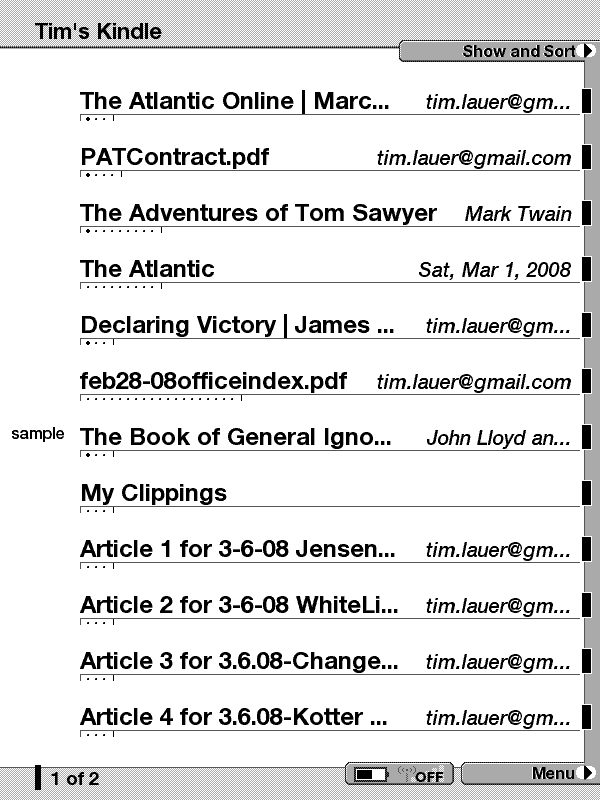
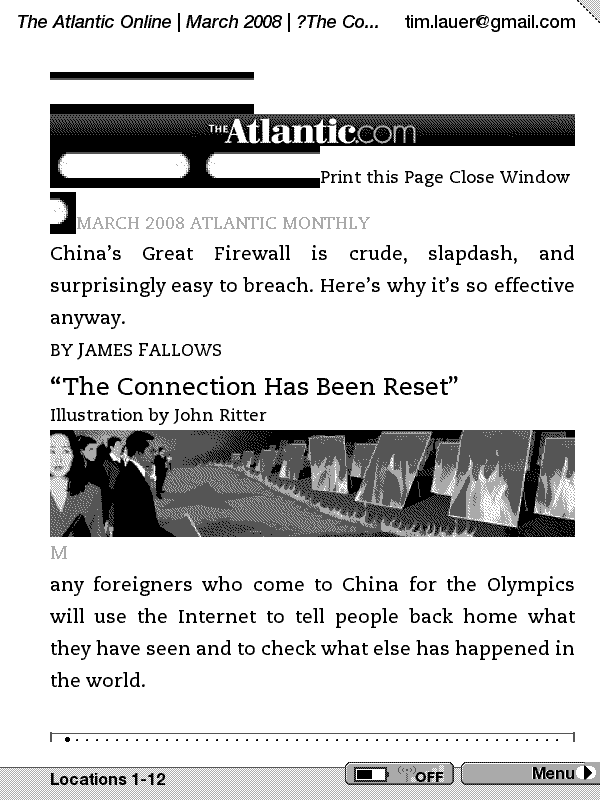
Kindle Screen Shots...
I have been using my Kindle, Amazon.com's e-book and document reading device, for a few months and I thought I would post an update on the experience. I have to say I am very happy with the device. Yes, it is kind of ugly looking, Amazon does not win any design awards for the look of this thing, and yes there are some design elements that I would like to see changed in an updated version, but if you look at what it was designed to do, make it easy to access and read books and documents. I have to say it does that job better than I anticipated.
For those of you not familiar with the Kindle, the e-book reader employes a screen technology called e-ink. (To learn how it works, you can visit the E-Ink web site for an article and also a video demonstration. ) Each time a page is "turned" an electronic charge is sent to the "paper" and the image (a page, drawing, photo...) is arranged and displayed. Because the device only draws power to change a page, it has very good battery life. Also the E-Ink display is easy on the eyes. It is not backlight and is readable in bright sunlight.
Basically the Kindle is a wireless device that is connected to Sprint's EVDO network. You can access the Kindle store and purchase books anytime and they are instantly sent to the device and appear in about a minute. You can also send documents of your own to a user unique email address and have documents converted to Kindle format and sent to your device (for a fee of 10¢) or to your regular email as an attachment where the file can be transfered via USB. Formats that can be converted include plain text, Word format and PDF.
Amazon has developed a whole web site devoted to helping you find and purchase Kindle periodicals and books. A unique aspect of Amazon's marketing of the Kindle is the employment of EVDO wireless technology to make the purchase and loading of books, periodicals and your own documents very easy. In addition you can download sample chapters to your Kindle to try before you buy. I am finding myself taking a look at many books and reading the sample chapters. Learning about books that in the past I might of just glanced at at the book store. Being able to download and read the sample chapter helps me determine if I want to purchase the book. Having the content available on a small, lightweight portable device allows me to take my Kindle with me providing me the opportunity to access reading material anywhere I go.
I also find myself putting other types of content on my Kindle. For example I use the convert document feature quite a bit. As I find articles that I wish to read (longer pieces such a magazine articles, and educational journal articles) I display them on my computer in a Print Friendly version (most sites have this feature) and choose to print them to PDF. Once the article is a PDF file I then email it to my unique Kindle address and within a few minutes the article appears on my Kindle. I also have converted several school district documents such as admin handbooks and such and have those available on my Kindle. The Kindle has a search feature that makes it easy to find particular passages or sections. Also from time to time I receive PDF versions of articles that I need to read before an upcoming admin meeting. I just forward the message with the file attachments and they appear on my Kindle.
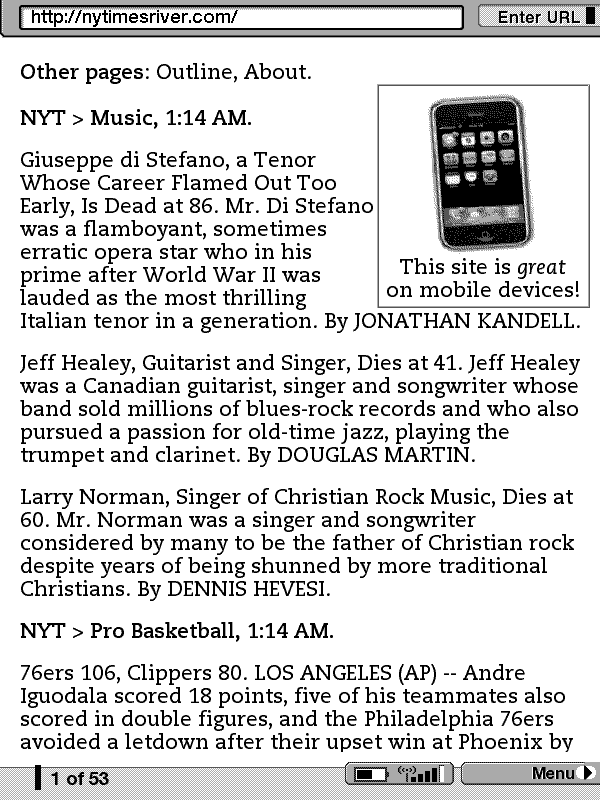
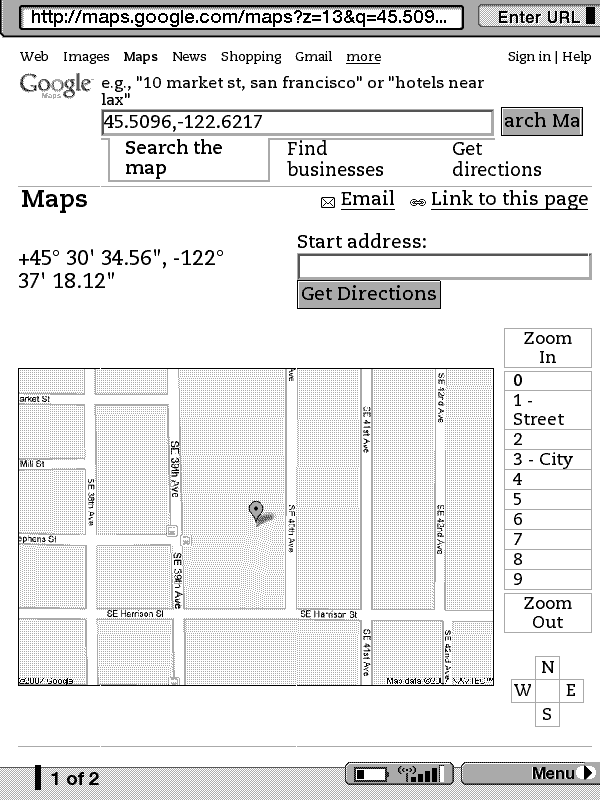
The Kindle also has a very basic web browser. I can access web pages and content such as Google Reader and also sites such as Dave Winer's NYTimes News River (see graphic) which is a web page that displays a constant stream (via RSS) of articles posted to the New York Times web site. While navigating the web is a bit clunky on the Kindle, having that option of a web browser. Recently a few easter eggs have been discovered in the Kindle. One allows you to also use the EVDO modem with Google's My Location service to find your current location. I tried this on the train last week while traveling from Seattle to Portland and it worked well.
So all in all, I am pretty happy with my Kindle. I look forward to the next generation of this, and other ebook devices. It will be interesting to watch this product space develop over time.
Our Nutrition Services department is working to offer more locally produced food in our school cafeterias. They have a program called Harvest of the Month and on Tuesday they invited local media to our school to talk to students about the latest choice.... beets...
| I hate beets |
Technorati Tags: beets

Photo Dropper is a Wordpress plugin that allows you to easily search for and place Creative Commons licensed photos from Flickr in your weblog posts. The Plugin provides a search field within the post interface that allows you to search via key words. It provides the option of placing a small, medium or large images in your post and automatically includes the attribution.
The setup options allow you to automatically exclude images that are not commercially usable and also allows you to sort your search returns based on "interestingness."
This is something I plan to add to our school weblogs that are powered by Wordpress.
Note: Please see Paul Left's comment below regarding validation...

 photo credit: christopherdale
Via Read Write Web
This is not an advertisement for The Education Trust, nor is it an endorsement of all that The Education Trust stands for. This post is merely my commentary on one aspect of The Education Trust's practices - assessing standards in practice.In 2003, I ...
Read More